Apple Wallet & Google Wallet loyalty card
Keep your stamp card where customers can find it: on their phone. Every stamp brings their next reward closer, with no paper card, separate app or Treubar account.
How it works
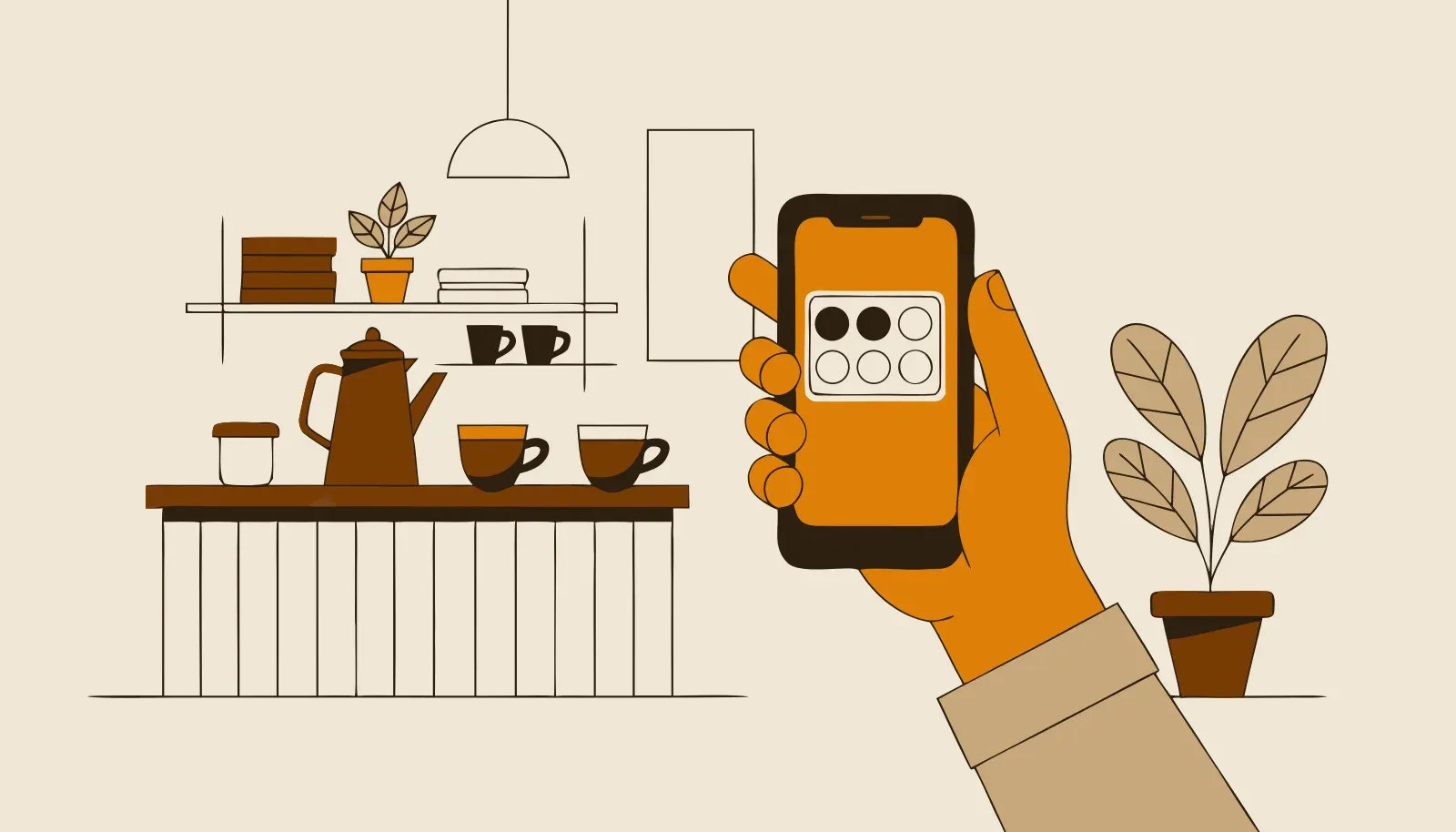
Customers scan your QR code, enter their first name, last name and date of birth once, then add the card to Apple Wallet or Google Wallet. On their next visit, they show the pass. Your team scans it and the card updates automatically.
At the till, customers can see how many stamps they need for their next reward. It gives them a clear reason to choose your shop again.
- Works with Apple Wallet and Google Wallet
- No Treubar app and no Treubar account for your guests
- Google Wallet requires a Google account and installation if it is missing
- The card updates itself after every stamp
- Your logo, background image and colours on every plan, including Free
A loyalty card that comes back with your customers
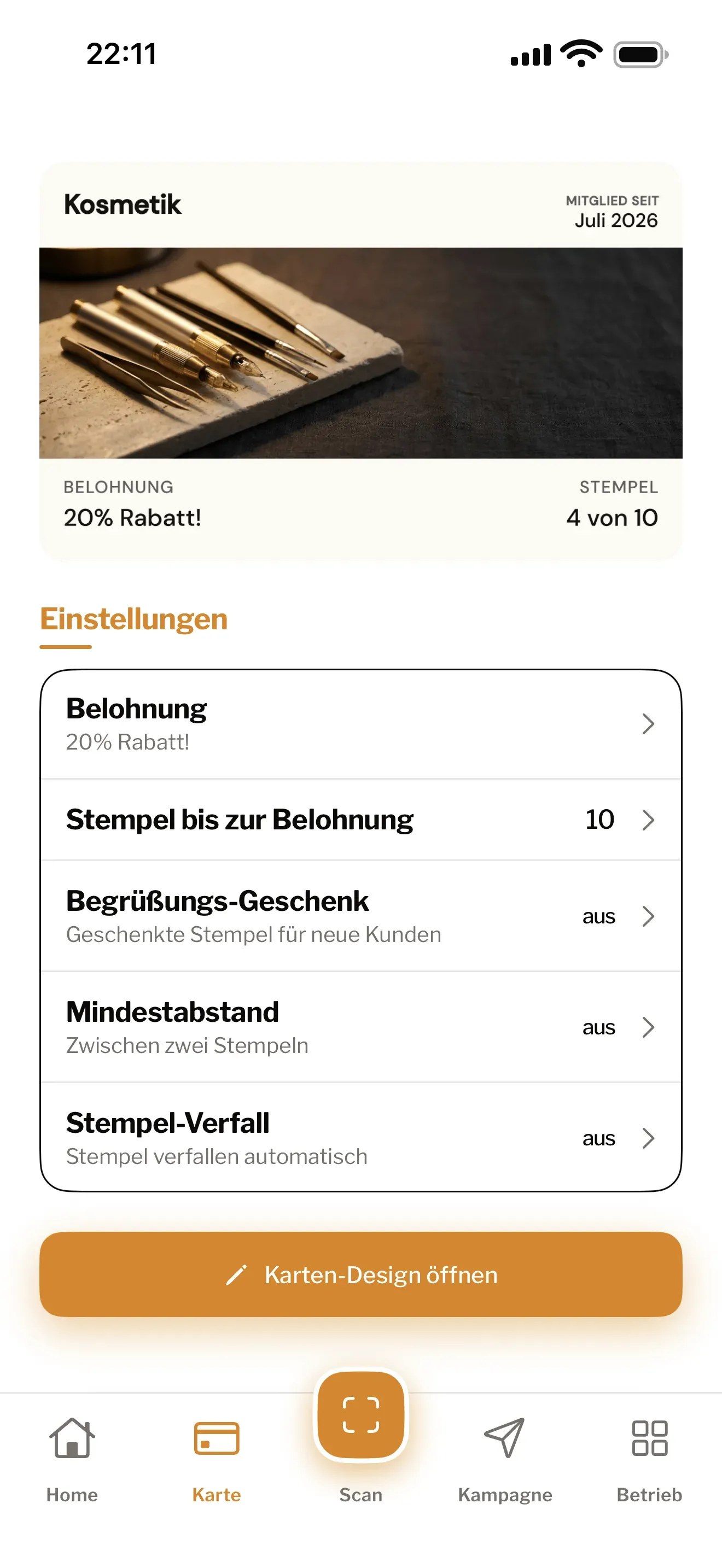
Customers open their wallet and show your card instead of searching for a paper one. Your logo, colours, stamp count and reward make it clear where they collect and what they can look forward to.
Design the card once. Treubar creates the pass for Apple Wallet on iPhone and Google Wallet on Android, and handles the technology that keeps it up to date.
How the card gets onto an iPhone
- Your customer scans your QR code with the camera. A page with your logo opens in the browser.
- They enter their first name, last name and date of birth once.
- They tap Zu Apple Wallet hinzufügen (add to Apple Wallet); this page is in German. The iPhone shows the card and asks whether to add it.
- Once confirmed, the pass is in Apple Wallet.
There is one stumbling block: the browsers inside Instagram or TikTok, and Firefox on iPhone, don’t hand the card straight to Apple Wallet. The page detects this and shows a note asking the customer to open it in Safari. From Safari and Chrome it works directly.
How the card gets onto an Android phone
Your customer needs a Google account and the Google Wallet app. If it is missing, they must install it; Google explains download and setup.
- The first step is the same: scan the QR code, enter first name, last name and date of birth.
- Your customer taps Zu Google Wallet hinzufügen (add to Google Wallet). The page shows both buttons; on Android, this is the right one.
- On the next page, they tap Zu Google Wallet hinzufügen again. Google then takes over and saves the card to their wallet.
- Fertig, ich hab gespeichert (done, I saved it) finishes the process on the page.
Some people notice that second tap at the counter. Feel free to add: “One more confirmation and it’s in.” Customers need no Treubar app either way.
Samsung and phones without Google Wallet
Treubar creates passes for Apple Wallet and Google Wallet. There is no separate pass for Samsung Wallet. On a Samsung phone, the route is through Google Wallet, provided it runs on that device.
Google Wallet’s requirements include Android 9 or newer and current Google Play services. For phones that don’t meet them, we can’t promise the card will work, and Treubar has no alternative of its own.
What changes after each stamp
Your team scans the pass with the Treubar app. The stamp count updates automatically. Without a connection, the display can lag; disabled pass updates in Apple Wallet can prevent it from updating. Apple does not guarantee delivery of pass updates. Once the goal is reached, the card shows the unlocked reward. Your team scans the pass and confirms redemption in the app.
The two wallets show this a little differently:
- Apple Wallet shows the count, such as “4 von 10” (4 of 10), and “Belohnung verfügbar!” (reward available) on a full card. After a stamp, a lock-screen alert can appear if notifications are allowed, such as “Du hast jetzt 4 von 10.” (you now have 4 of 10).
- Google Wallet shows the count and how many stamps remain until the reward.
In Apple Wallet, saved rewards also appear on the back of the card, even once your customer is collecting again.
There is no new till system or extra scanner to buy. See the full routine on the QR code stamp card page.
When you change the reward or design
In Apple Wallet, a change like this doesn’t trigger a lock-screen alert. Anyone with no stamps yet gets the new version. Anyone already collecting keeps the design, target and reward of their current round, like a paper card in a purse. The new version applies once that round is complete and the reward has been dealt with. That way, nobody loses a reward just before reaching it.
Messages through the card
From Pro, you can send messages through the wallet card, to all cardholders or to a target group. For Treubar, the wallets differ as follows:
- Apple Wallet can show a notification on the phone, depending on connection and settings. The text then sits on the back of the card.
- Google Wallet currently shows Treubar messages in the card details without a notification banner, so your customer sees it when they open the card.
Whether the alert appears on an iPhone also depends on your customer’s notification settings. And Apple Wallet only alerts when the text on the card changes. Send the same wording twice and the notification may not appear. So write each message afresh.
How often to send messages
There’s no single number that’s right for everyone, and we won’t quote one. Three questions help you decide:
- Is there a real reason? A new weekly menu, a free appointment, a quiet afternoon: those are reasons. “Come and see us” with no reason isn’t.
- Does it fit how often people visit? A café with daily regulars has more to say than a salon with appointments every six weeks.
- Do your customers respond? From Start, check the customer list to see whether visits follow a message. If they don’t, send less often and change the content.
Pro includes 20 campaigns a month. That’s a limit, not a target. Customers can remove your card from their wallet at any time, and then you can’t reach them. For good reasons to get in touch, read push campaign ideas for local shops.
Changing phones: what happens to the card
Account-linked loyalty cards in Google Wallet can appear on a new device when your customer signs in with the same Google account. See Google’s card transfer guide. Apple describes pass syncing through iCloud. Availability depends on the account and sync settings. Transfer to every device or between Apple and Google is not guaranteed.
A new QR scan on the new phone creates a new, empty card instead. So tell your team: anyone who has changed phone should check their wallet first rather than scanning the code straight away. If it’s already happened, admins and managers can correct the count on the new card from Start with Stempel anpassen (adjust stamps). If the transfer fails, support@treubar.de can help.
Keep your brand in their wallet
Choose from 72 templates or upload your own image. Your logo, colours and reward are included on every plan, so the card feels like part of your shop. Design your stamp card and check it in the live preview.
Start free with your first customers
Free includes one stamp card, one location and up to 20 customer passes. As more customers join, Start gives you unlimited customer passes for €7.99 a month or €79.90 a year, including VAT. Compare all plans.
For what “no app” means for your guests and your team, see digital stamp card without an app.
Treubar in use at Studio HACO
Studio HACO has used Treubar since the pilot phase. The reward: “10th appointment −20%”.
Common questions
- How do I create an Apple Wallet loyalty card for my business?
- Design your card in Treubar, set the stamp goal and reward, then print the counter QR code. Treubar creates the pass for Apple Wallet and Google Wallet. You need no developer or certificates of your own.
- What do customers need to use the wallet card?
- A smartphone with Apple Wallet or Google Wallet. They scan your QR code, enter their first name, last name and date of birth once, then add the card. No Treubar app or Treubar account is needed; customers do not give Treubar an email address. Google Wallet requires a Google account and must be installed if missing.
- Is the wallet card free for my customers?
- Yes. Customers collect stamps and redeem rewards for free. For your business, the wallet card is included on every plan. Free lets you start with up to 20 customer passes, no credit card and no fixed end date.
- What happens when a customer changes phone?
- Whether the existing card appears on a new phone depends on the wallet, account and sync settings. Account-linked Google Wallet cards require the same Google account. Transfer to every device or between Apple and Google is not guaranteed. A new QR scan on the new phone creates a new, empty card. If the transfer fails, support@treubar.de can help.