QR code stamp card: scan, stamp, done
Add a stamp in seconds and keep the queue moving. Your team scans the wallet card with a phone. No ink pad, extra scanner or till integration needed.
How it works
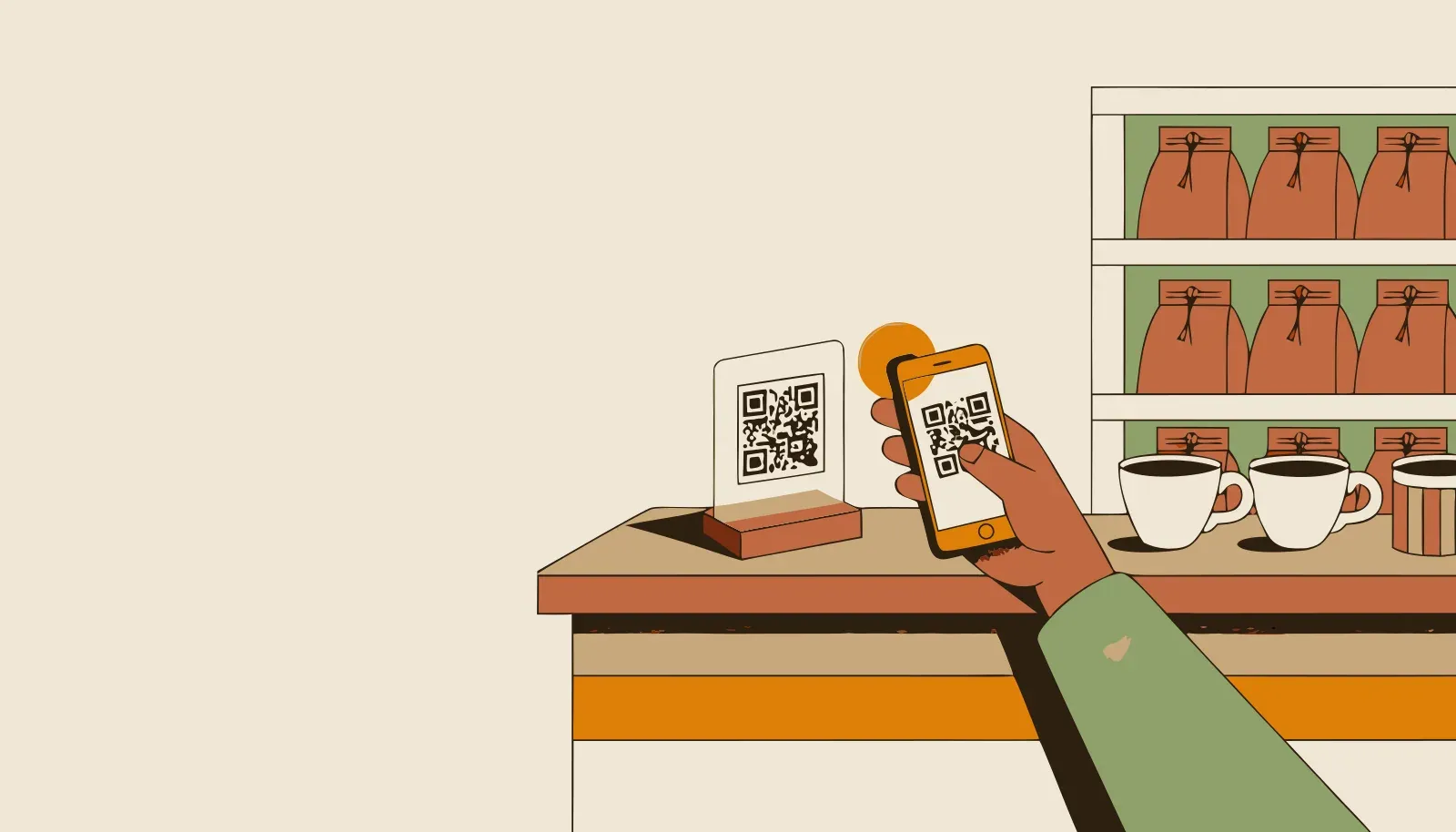
Print your QR code from Treubar and put it on the counter. New customers scan it, enter their name and date of birth, then save the card to their wallet. On later visits, your team scans the pass with the Treubar app.
While you bag the bread, your customer shows the card on their phone. One scan adds the stamp, and your team can serve the next person.
- A QR code PDF to print and put on your counter
- Stamp straight from your team’s phone
- No POS system needed, and no extra hardware for QR stamping
- Correct a stamp added by mistake (from Start)
From QR code to regular customer in three steps
- Design your card and print the code. Treubar gives you a print-ready PDF for the counter.
- Invite customers to join. They scan, enter their name and date of birth once, then save the card to Apple Wallet or Google Wallet.
- Stamp on each visit. Your team scans the wallet pass with the Treubar app. The card updates automatically.
Put the code beside the card reader and ask at checkout: “Collecting stamps with us?” It soon becomes part of the routine. Our QR code printing guide helps you get set up.
Your phone is the scanner
Whether you run a café, bakery or salon, your team’s phone is all you need for QR stamping. No till integration or extra reader. New team members can start stamping with their own login too.
Rather not scan at all? Put the optional NFC counter stand on the counter: regulars tap their phone and stamp themselves.
If reception drops, Treubar queues the scans and adds the stamps once the connection returns. Your team can carry on serving.
Redeem rewards and keep track of stamps
A full card unlocks the reward. Your team confirms redemption in the app and can add a new stamp on the same visit. Customers can also save the reward for later.
From Start, the stamp log records when, where and by whom each stamp was added. Admins and managers can correct mistakes. A minimum gap between stamps helps prevent accidental duplicates.
QR stamping is included on Free
Start with one card, one location, up to 20 customer passes and unlimited staff logins. For more customers, Start includes unlimited passes, the customer list, stamp log and CSV export for €7.99 a month or €79.90 a year, including VAT. See plans.
Treubar in use at Studio HACO
Studio HACO has used Treubar since the pilot phase. The reward: “10th appointment −20%”.
Common questions
- How do I get a QR code for my stamp card?
- Treubar creates it automatically. Export the print-ready PDF from the app and put a copy on your counter. You can print the same code as many times as you need.
- Do customers scan the QR code on every visit?
- Only on the first visit. Customers scan the counter code, enter their first name, last name and date of birth, then save the card to their wallet. After that, they show the pass and your team scans it with the Treubar app.
- Does stamping work without internet?
- Yes. Offline scans wait in a queue and are added automatically when the connection returns. Your team can keep scanning. An internet connection is needed to redeem rewards.
- Can my whole team stamp?
- Yes. Every plan includes unlimited staff logins with admin, manager and scanner roles. Each person signs in with a QR code, without sharing a password.
- Can I correct a stamp added by mistake?
- From Start, admins and managers can adjust the stamp count in the customer’s profile. A configurable minimum gap helps prevent duplicate stamps. Rewards already redeemed cannot be reversed.