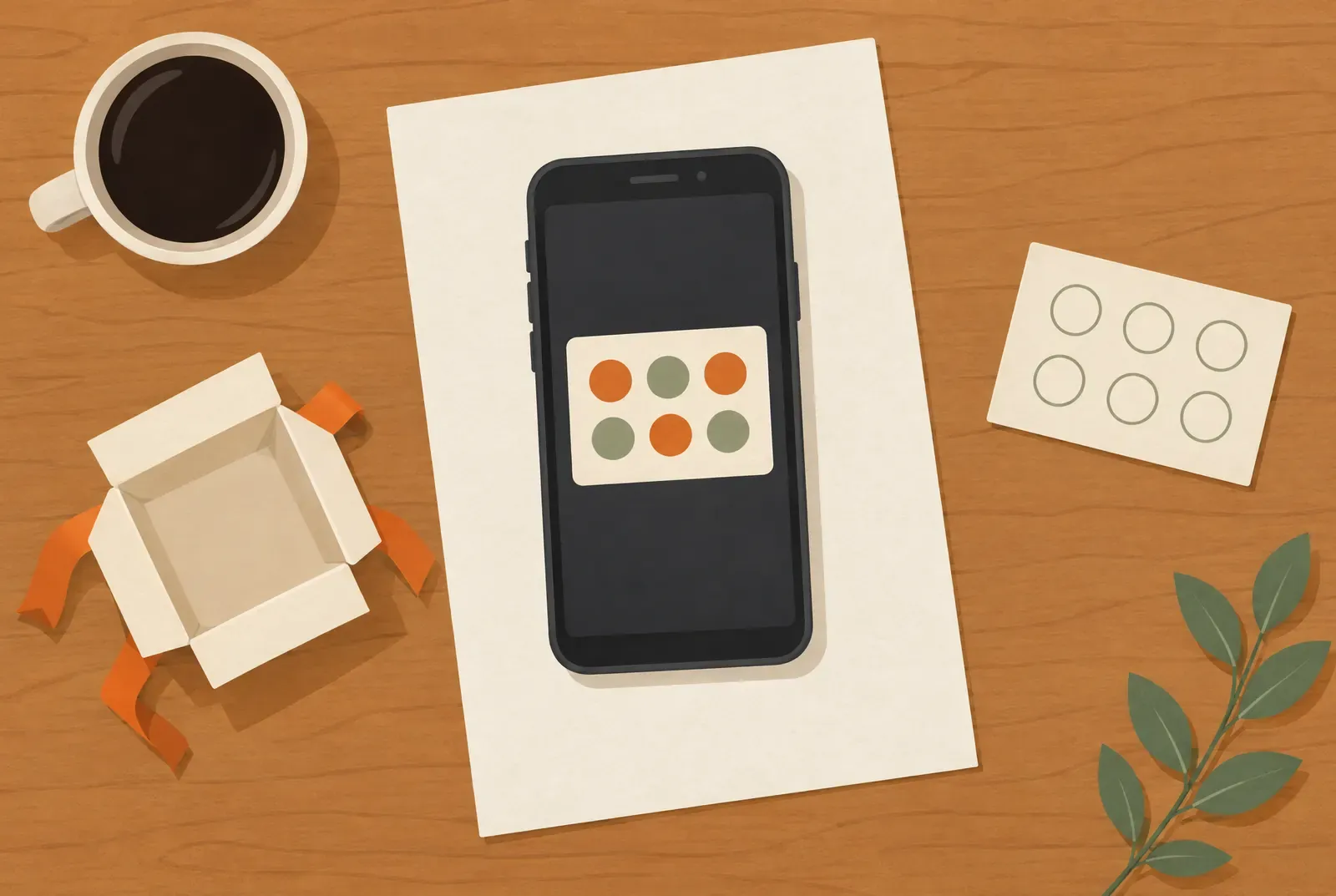
Yes, you can create a digital stamp card for free: the Free plan from Treubar, the digital stamp card costs €0, needs no credit card and has no fixed end date. But it only includes 20 customer passes, and every issued pass counts until it is deleted. That’s enough for an honest test or a very small circle. For a shop that wants to offer the card to all its customers, it usually won’t last long.
The current plans help you choose between Free and a paid plan.
What the Free plan includes
For design and the basic routine, there’s no difference from the paid plans:
- One stamp card for Apple Wallet and Google Wallet, with no Treubar app or Treubar account needed for customers
- Your own design: logo, background image, colours and all 72 templates
- Stamping by QR code with a phone, no extra hardware
- Unlimited staff logins with roles, each team member signs in by QR code
- The overview of cards in circulation and stamps given
- Email support
Google Wallet requires a Google account. If the wallet app is missing, customers must install it; see Google’s setup guide.
How often you stamp isn’t limited. What’s limited is the number of customer passes. You can also use the optional NFC stand on Free; it costs a one-off €19.90, including VAT and shipping within Germany.
How the 20 customer passes really count
“20 customer passes” doesn’t mean “20 active regulars”. Every pass your business has issued counts, whether it’s still in use or not. In daily life that means:
- A pass counts from the moment it’s submitted. It’s created as soon as your customer enters their details and picks a wallet, even if they stop there.
- Removing it from the wallet frees nothing. If a customer deletes the card on their phone, the pass stays in Treubar and keeps counting.
- One-time customers count the same. Someone who drops by on holiday and never returns holds a slot for good.
- A new phone can mean a second pass. A fresh scan of the QR code on the new phone creates a new, empty card, and it counts on top.
- Your test cards count too. That goes for your own card and your team’s.
A slot only frees up when the customer is deleted along with their pass, and they lose their card and their stamps. Free has no function for this in Treubar, because the customer list and deleting come with Start. So expect every issued pass to keep its slot.
What happens with customer number 21
Once 20 passes are issued, your card takes no new customers. Anyone who scans the QR code sees a friendly page saying the stamp card can’t take new members right now. Your existing customers can keep collecting and redeeming.
Treubar notifies you before you reach the limit, so you can decide in time whether to switch. A customer turned away at the counter is the most awkward moment, so only keep the QR code out in the open while you have slots left or are ready to switch.
What Free can’t do
| Feature | Free | From which plan |
|---|---|---|
| More than 20 customer passes | No | Start, €7.99 a month incl. VAT |
| Customer list and stamp log | No | Start |
| Excel export | No | Start |
| Correcting a wrong stamp yourself | No | Start |
| Push campaigns and scheduled campaigns | No | Pro, €39 a month incl. VAT |
| Automations | No | Pro |
| Several branches | No | Max, €69 a month incl. VAT |
In daily use you’ll notice the missing customer list most. Free shows how many cards are in circulation and how often you stamped, but not who comes back. You also can’t correct an accidental stamp yourself until Start. What every plan costs, VAT included, is in how much a digital stamp card costs.
When Free is enough and when it isn’t
Free is enough if
- you first want to try the card with your team and a few regulars,
- you want to find out whether your customers get on with a card without an app,
- you have a very small, fixed circle of customers, such as a salon with few appointments a day, and that circle hardly changes.
Free isn’t enough if
- the QR code stands openly at the counter and any customer can join, because 20 passes can go quickly,
- you have passing trade or tourists who take a slot and don’t come back,
- you want to see who comes back or reach customers actively,
- the card should work across several branches.
A good approach is to use Free deliberately as a test phase: first your team, then a few regulars. Once the routine works, switch to Start and put the code out for everyone. Your card and collected stamps stay. Whether that adds up for you is covered in is a stamp card worth it?
If you later move from a paid plan back to Free, your data is not deleted, and existing passes stay readable. If you’re over the limit, though, we may suspend new passes and stamping until you adjust your numbers or choose a paid plan again.
How to create your stamp card for free
- Create an account. You start on Free automatically, with no credit card.
- Design the card. Pick a template or upload your own image, then add your logo and colours.
- Set the reward and stamp target. Make the reward concrete, such as the tenth coffee on the house.
- Print the QR code. The counter PDF comes from the app.
- Practise with your team. Add a card, stamp it and redeem it once. Remember that these test cards count.
The full guide is in how to create a digital loyalty card. What the card looks like for your customers is on the wallet card page.
What “free” doesn’t cover
The software costs nothing on Free, but the stamp card as a whole isn’t zero. You pay for the rewards yourself, and you print the QR code at your own expense. A paper card isn’t free either, by the way: it adds printing, reorders and stamps. Paper vs digital stamp cards shows both sides.
Whatever the provider, check the same points on any free offer. Where’s the limit, and how is it counted? Is your own design allowed? Can you export customer data? What does the next plan cost? Do you need hardware? Free has no Excel export, and that belongs in an honest calculation if you may want to change provider later.