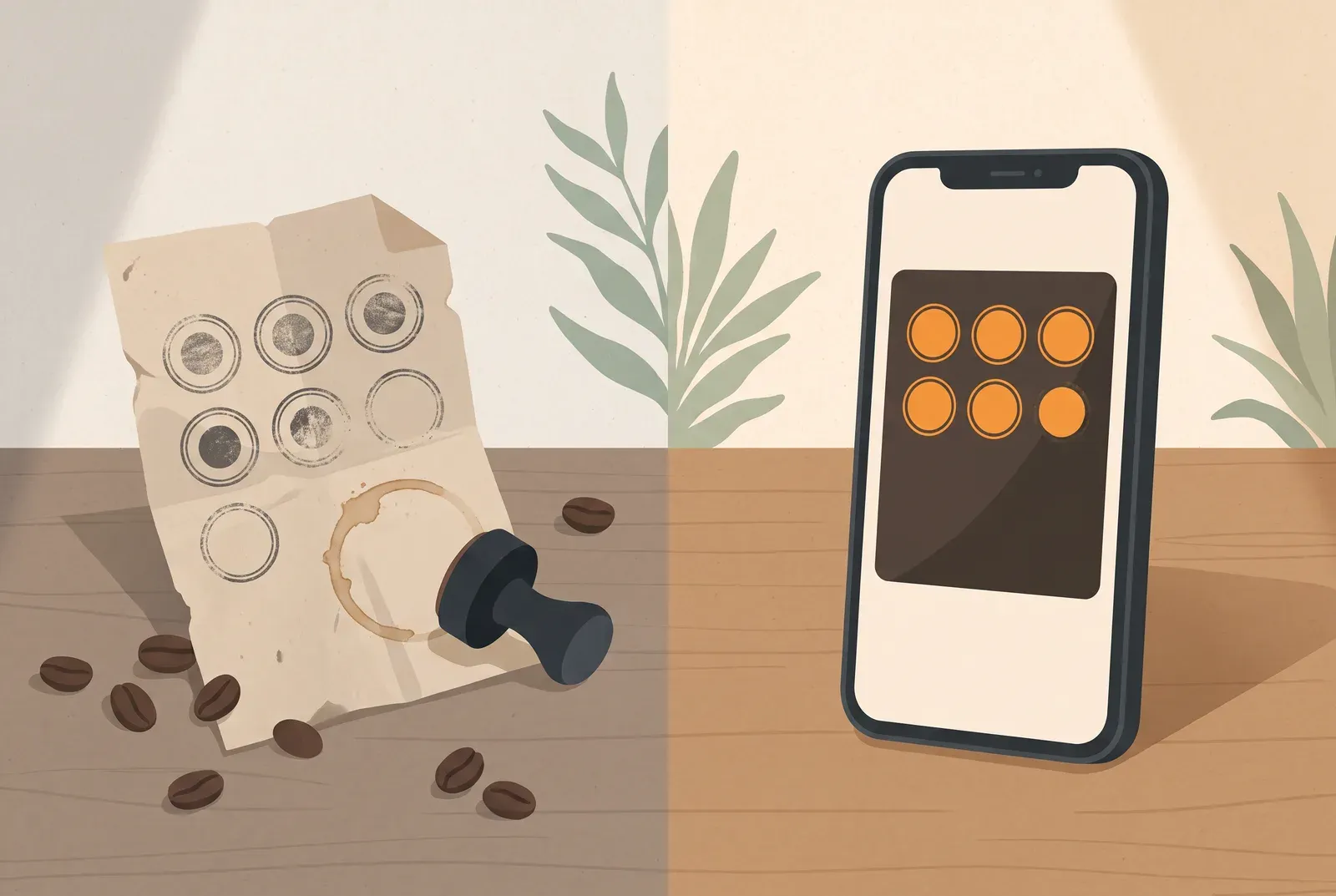
Paper or digital stamp cards: which makes the next visit easier for your customers? Compare costs, daily use and reporting, then plan a switch that honours the stamps people have already collected. For every cost item, see what a digital stamp card costs.
Paper or digital: the quick comparison
| Paper card | Digital card (wallet) | |
|---|---|---|
| Upfront | Printing costs per batch | Free to start, subscription if needed |
| Carrying it | Bring a separate card | Card on the phone |
| Lost card | Stamp count often cannot be recovered | Wallet migration can preserve card and stamps |
| Fraud protection | Barely any | Scan with built-in protection |
| Changes | Reprint a new batch | Any time, in the app |
| Reporting | Keep your own records | Cards and stamps on Free; customer list from Start |
| Customer requirement | None | Smartphone with a wallet |
When someone changes phones, Apple Wallet and Google Wallet can transfer the pass and stamp count through their iCloud or Google account. A fresh scan of the business QR code on the new phone instead creates a new, empty card. For the details and who to contact if the transfer fails, see loyalty cards in Apple Wallet & Google Wallet.
When paper works well
Paper makes it easy to get started:
No smartphone needed. No app, no smartphone, no explanation. Even the regular who keeps her phone firmly in her pocket can use a paper card.
It’s tangible. A stamp landing on the card with a satisfying thunk has a certain something. Some customers love exactly that.
It’s instant. Get cards printed, buy a stamp, done. There’s no technology to set up and nothing to learn.
If most of your customers don’t carry smartphones, paper may remain the right choice.
What paper actually costs you
The card itself costs a few cents. The real costs sit elsewhere.
Printing, reordering, restocking. Every batch needs to be designed, printed and paid for. When cards run out or your offer changes, the cycle starts again.
Forgotten cards interrupt collecting. Left in another wallet, lost or put through the wash: when the card goes, so do the stamps. The motivation to keep collecting often goes with them.
Stamps are easy to fake. The standard motif stamps cost a few euros online. An easily copied stamp makes unearned redemptions possible.
You lack the numbers. How many cards are in circulation? How many fill up? Do guests come on Tuesdays or Saturdays? Paper can’t answer. You give out rewards without knowing the effect.
What a digital stamp card does differently
With Treubar, the stamp card lives in Apple Wallet or Google Wallet, beside boarding passes and concert tickets. Customers install no separate app. They scan your counter QR code and enter their first name, last name and date of birth once. It works on iPhone and, through Google Wallet, on Android. Read more about the wallet card with no app for your customers.
Here’s what changes day to day:
The card travels with the phone. Guests need no extra card in their purse or wallet and can check their stamp count on the phone.
Your team stamps by scanning. They scan the pass in the app: about as quick as a paper stamp, and much harder to fake. Switch on a minimum gap in the app to prevent several stamps in immediate succession.
The count stays up to date. The pass updates automatically after every stamp. Apple Wallet shows a note on the lock screen. Guests see immediately when the card is full. You can redeem the reward on their next visit, or they can save it for later.
You can see what’s happening. How many cards are active and how often people stamp: it’s in your dashboard instead of your gut feeling, even on the Free plan. From the Start plan, the customer list also shows you who comes back.
What you need to start digitally
Your customers need a smartphone. For most people that’s a non-issue. But if your regulars largely don’t carry one, you won’t reach them this way.
The first scan sometimes needs one sentence. “Just scan it with your camera, add your name and date of birth, and the card goes into your wallet.” That’s all it takes, but you’ll be saying it a few times in the first weeks.
More passes need a subscription. The Free plan costs nothing, with no fixed end date, for up to 20 customer passes. More passes start at €7.99 a month incl. VAT. Card printing and reorders disappear. See the worked examples in is a stamp card worth it? to weigh up the cost.
How to switch from paper to a wallet card
- Choose the reward and stamp target. Keep a familiar rule at first so your team only needs to explain the new process.
- Design the card and display the QR code. Add your logo and put the code by the till. The step-by-step setup guide takes you to the first stamp.
- Honour existing stamps. Check the paper card, award the corresponding number of stamps and collect the old card. That prevents the same progress being redeemed twice.
- Practise with your team. Add a card, award a stamp and redeem a reward. Keep paper cards available during the transition for guests without smartphones.
Which card suits your shop?
If your guests use their phones and you want less paper plus a view of card activity, digital is a useful next step. Paper remains helpful for customers without smartphones.
Set up your digital loyalty card with Treubar in minutes and start free with up to 20 customer passes. Your guests need no app download. Explore the stamp card app features for the full picture, and the guide Digital loyalty card for the basics.