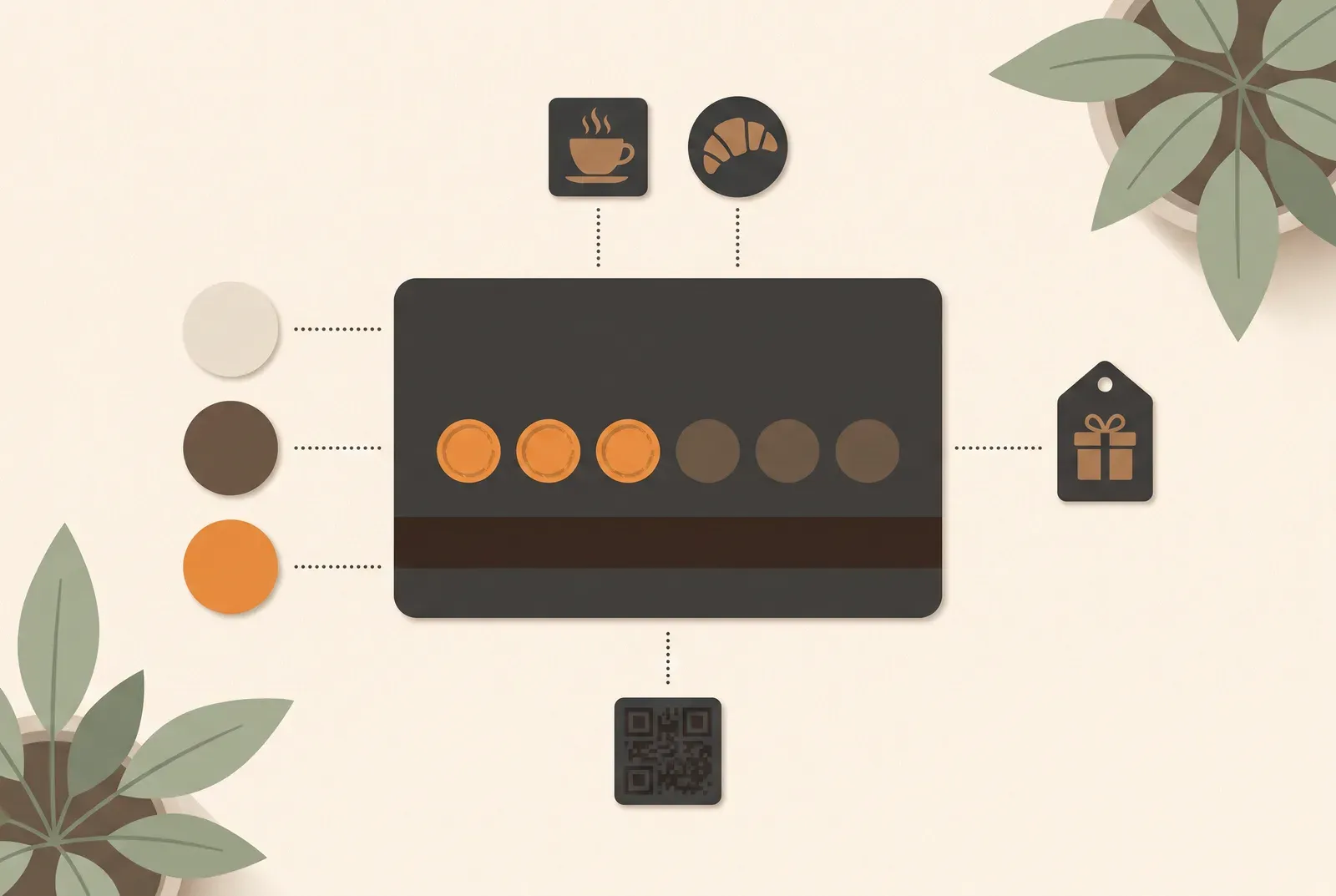
Good stamp card design makes the reward clear and your shop easy to recognise. These four steps help you choose the wording, target, colours and image for a card customers can use at a glance.
1. The reward: concrete beats creative
The reward is the most important line on the card. Customers should understand it straight away.
- “After ten coffees, the next one is on the house” is instantly clear, instantly attractive.
- “A surprise when your card is full” leaves customers guessing whether it is worth collecting. Name the product or service instead.
Choose a valuable reward with a low cost per redemption: a free drink, a discount on the next treatment or a croissant with coffee. Spell it out. Treubar shows the reward on the wallet pass exactly as you enter it.
2. The stamp target: within reach, but not a giveaway
Set your stamp target to suit how often your guests visit. A salon takes longer than a café. With one stamp per visit, divide the stamp target by visits per week to get the weeks until the card is full.
Three examples to work through:
- 10 stamps at a café: at five visits a week, the card fills up in two weeks.
- 5 to 6 stamps at a salon: six appointments on a six-week rhythm take about eight months. Check whether that target suits your guests and your reward.
- 12 stamps at a gym: at two to three check-ins a week, it takes four to six weeks. Regular visits make the higher target reachable.
To work out how many stamps your card needs for how often your regulars come in, there’s a separate article with the calculation.
The wallet pass shows the count as a number, such as “4 von 10” in Apple Wallet. It updates automatically after every stamp. Progress stays visible without searching for a card.
3. Branding: the card lives in the wallet and represents you there
Your card sits beside boarding passes and tickets in the wallet. This small piece of your shop should look like you: your logo, colours and mood.
Start with one of 72 templates and personalise it. Each includes a background image and matching colours. There are nine categories with four motifs each, all in light and dark versions. Choose from motifs including:
- Cafés and bakeries: espresso, pastries, cappuccino or a look inside a café.
- Hair: barbershop, haircut, styling or the salon itself.
- Sport and wellness: gym, yoga, spa or wellness.
- General: neutral motifs such as gradients, geometry or textures, for when no category quite fits.
Light feels open and friendly; dark feels calmer and more upmarket. You choose the stamp target and reward separately from the template.
Your logo, colours and, if you like, your own image make the template yours. If your shop door is petrol green, your card can be too. Recognition matters more than perfection. See every option on the design your stamp card page.
4. The image: it tells people who you are
The card carries a wide image. The stamp count is a number, with no stamp icons. Use the template image or upload your own: espresso for a café, a barber chair for a studio or a full shelf for a zero-waste shop. Your own shop photo works best with a calm subject that fits the wide, shallow format. Otherwise, choose a neutral motif from the general category.
Check the wallet preview: does the subject still work in the shallow crop? Can you read the logo and text? A calm background and clear contrast help more than lots of small details.
The test before you launch
Before your card goes on the counter, ask yourself three questions:
- Is the reward understood in two seconds? If you have to explain it, rephrase it.
- Would you collect for it yourself? If the goal feels far away to you, it is far away.
- Is your shop recognisable? Show the preview to someone on your team. “Looks like us” is the goal.
Treubar shows a live wallet preview as you design. Check it with your team before issuing cards. Later changes apply to new cards and new collecting rounds; cards with stamps keep their design, target and reward until redeemed.
Design your first stamp card free
Choose one of 72 templates, add your logo and reward, and check the preview. Start designing free, with full design tools and up to 20 customer passes on the Free plan. The guide to creating a digital loyalty card walks you through setup.