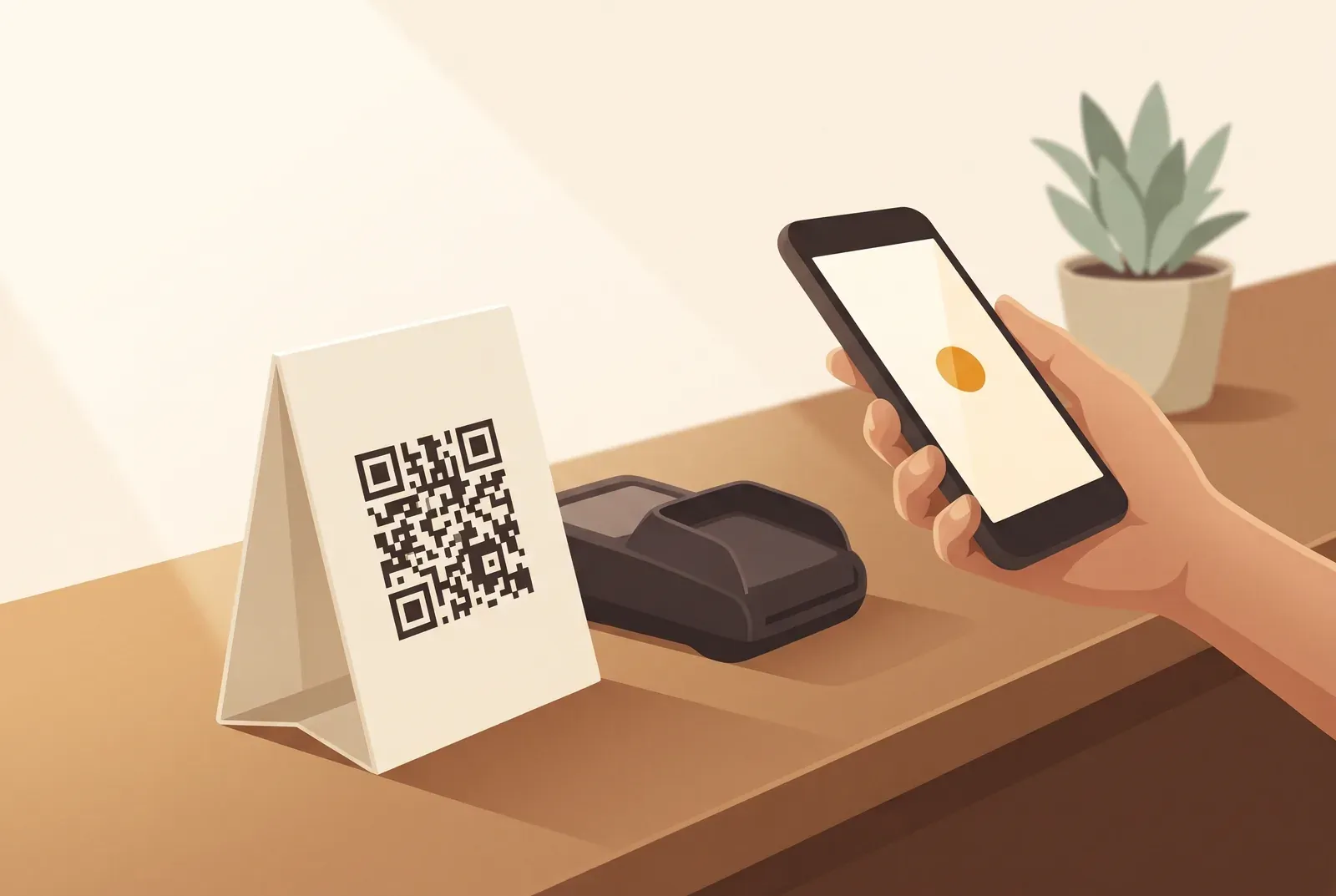
Your QR code counter stand needs three things: a visible spot, a clear reward and a short invitation. Get those right and the wait at the till becomes an easy moment to join your stamp card.
Put the stand where customers pause
Place it beside the card reader or at the collection point, where customers have a moment and often already have their phone out. In a salon, use reception; at a food truck, use the serving window.
Check the view from the customer’s side. Can they see and scan the code without leaning across the counter? Move anything that blocks it, including tip jars and product displays. Start with one stand at each active till.
Choose A6 or A5 and test the scan
An A6 or A5 stand gives you room for the code and reward. Use a sturdy holder and matt print to reduce glare. You can also get one ready-made as the Treubar NFC counter stand: an A5 insert behind acrylic, plus an NFC card where regulars stamp themselves.
- Leave space around the code: keep a clear, light border and strong contrast.
- Check the distance: try scanning from 20 to 30 centimetres on different phones.
- Test during service: make sure trays and purchases do not hide it.
The Treubar app provides a print-ready PDF for your card. The counter QR code comes with every plan, including Free. Follow “Print your QR code for the counter” to get it ready.
What to write on a QR code counter stand
Answer the two questions customers have: what do I get, and how do I join?
- Top: “Collect 10 stamps for a coffee on the house.”
- Middle: a large, clear QR code.
- Bottom: “Get your stamp card on your phone. Scan and add – no app to download.”
Customers enter their first name, last name and date of birth once when adding the card. They need no Treubar account or email address. Their card then lives in Apple Wallet or Google Wallet.
Make the reward rule consistent. “Buy ten coffees, get the next free” is different from “your tenth coffee free”. Use the same rule on the card, stand and in conversation. The QR code loyalty card page explains how your team stamps on later visits.
A simple invitation for your team
“Are you collecting with us? Ten stamps earn a coffee on the house. You can get the card on your phone here.”
Lead with the reward. If a customer asks how it works, add: “Scan, enter your name and date of birth, then add it to your wallet.”
Have each team member add a card and issue a stamp themselves. That gives everyone, including weekend staff, a chance to learn the process. Our loyalty programme guide for small businesses covers the wider launch.
Hardly anyone scanning? Check these four things
- Visibility: look at the stand from the customer’s side of the counter.
- Scanning: test the light, distance and print quality with a second phone.
- The offer: can someone understand the reward at a glance?
- The invitation: does your team mention the card at payment?
Give one person responsibility for checking the stand at the start of each shift. A visible code and a friendly invitation work together.
Create your counter QR code
Set up your stamp card, choose the reward and print your code. Start free with Treubar, with up to 20 customer passes and no app for your guests to download.